One operations lead.
Four properties.
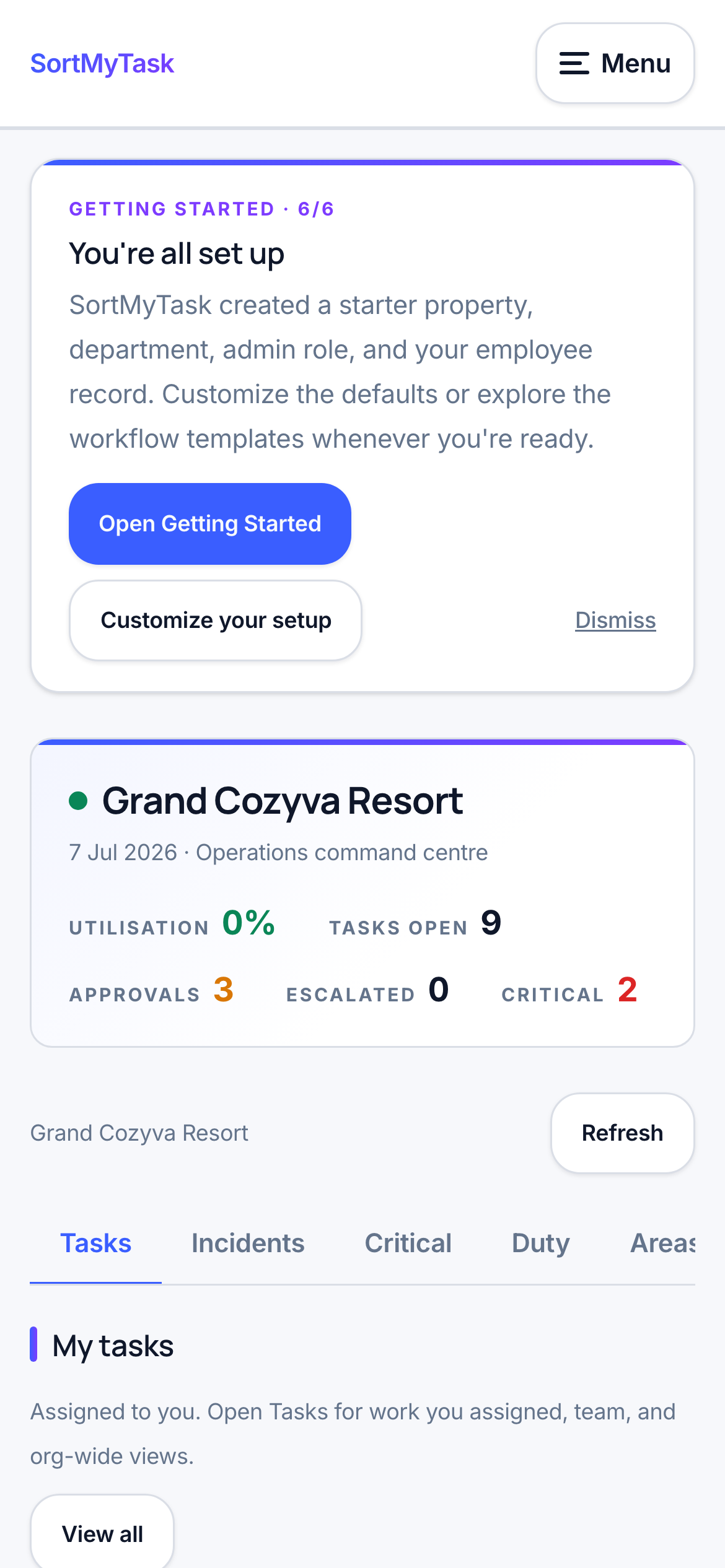
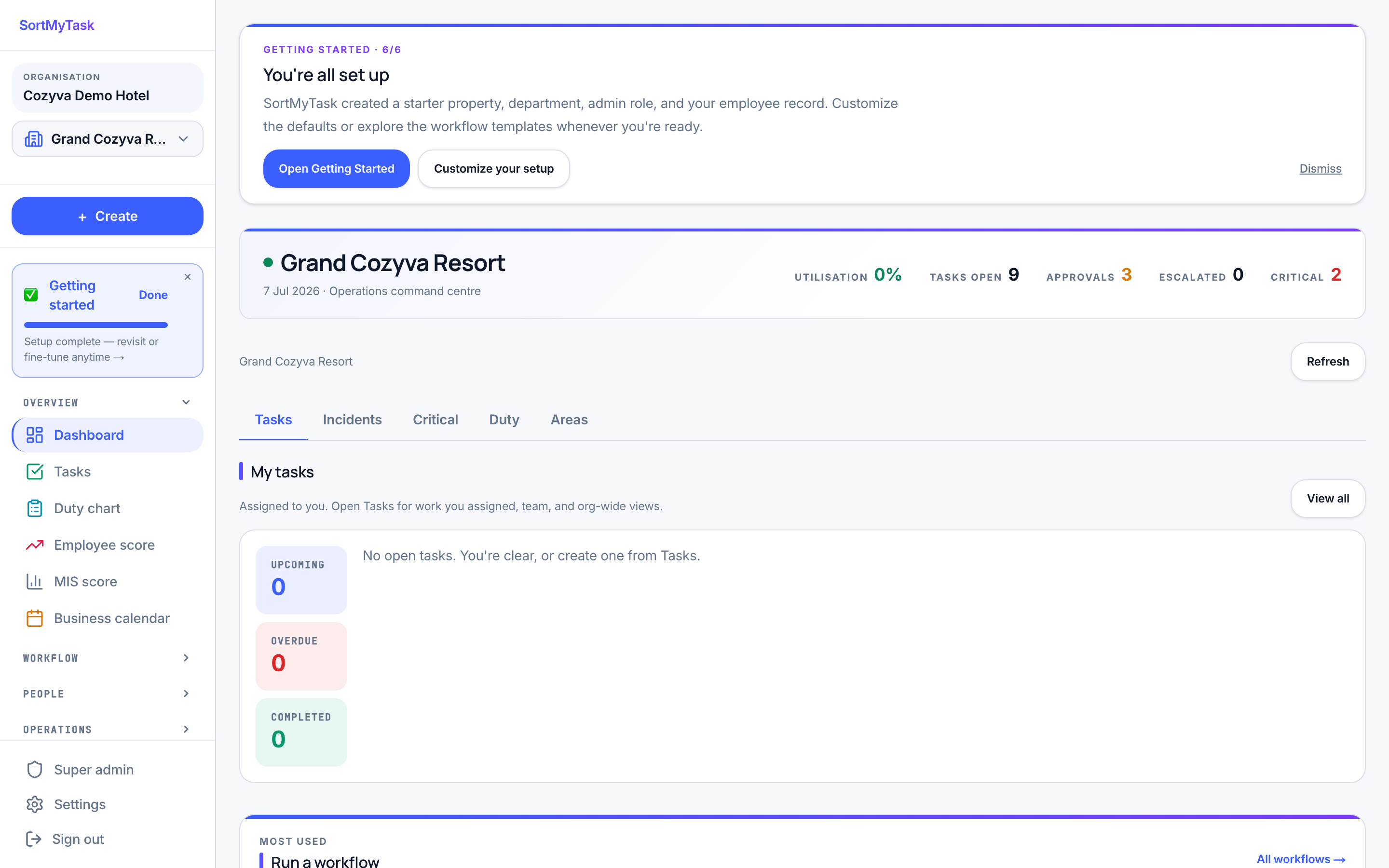
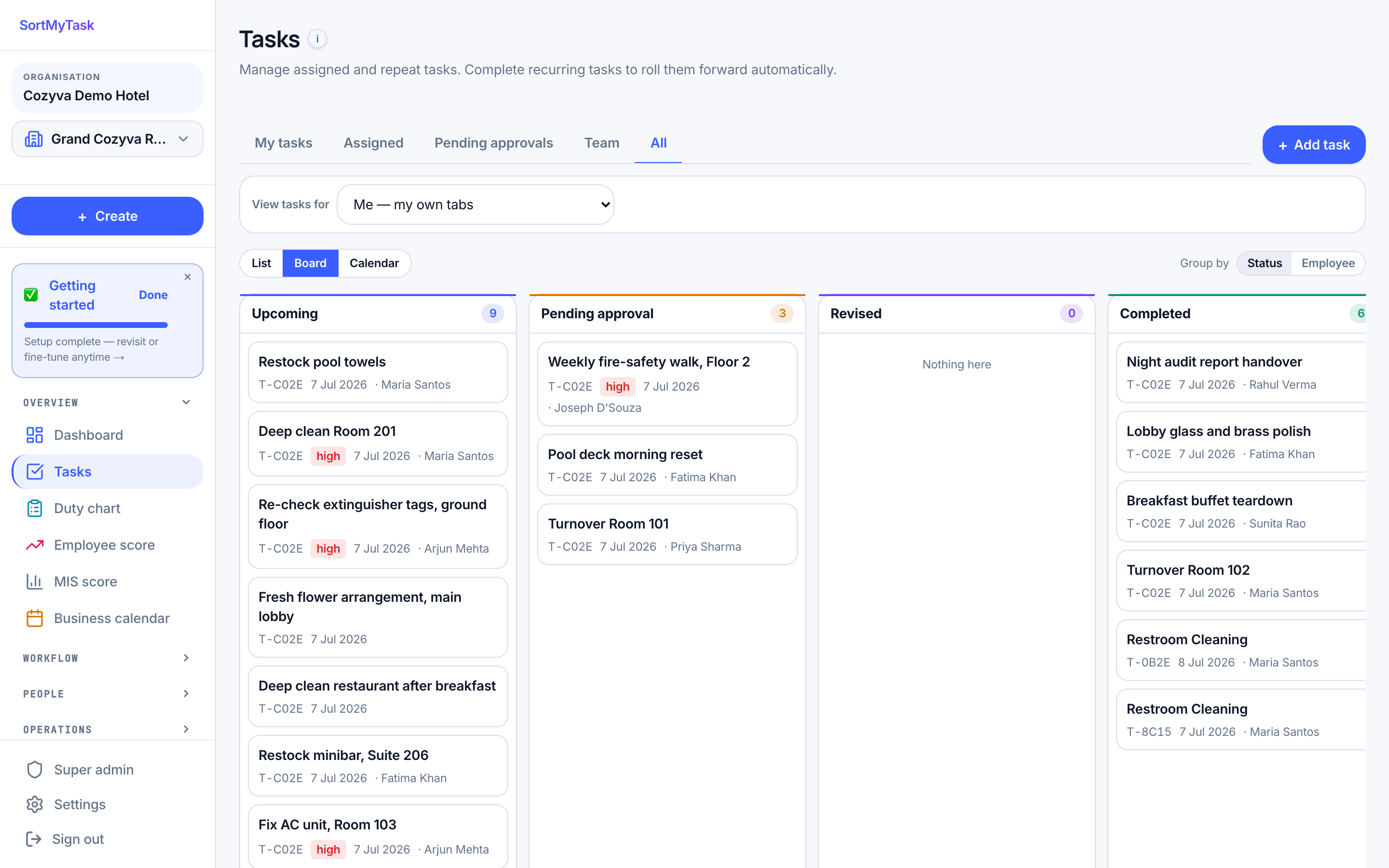
A real morning in the product, simulated. As you scroll, the screen on the left mirrors what an operations lead actually sees: approve overnight tasks, set today's duty roster, check a workflow run, catch a missed item, and let the week lock itself.
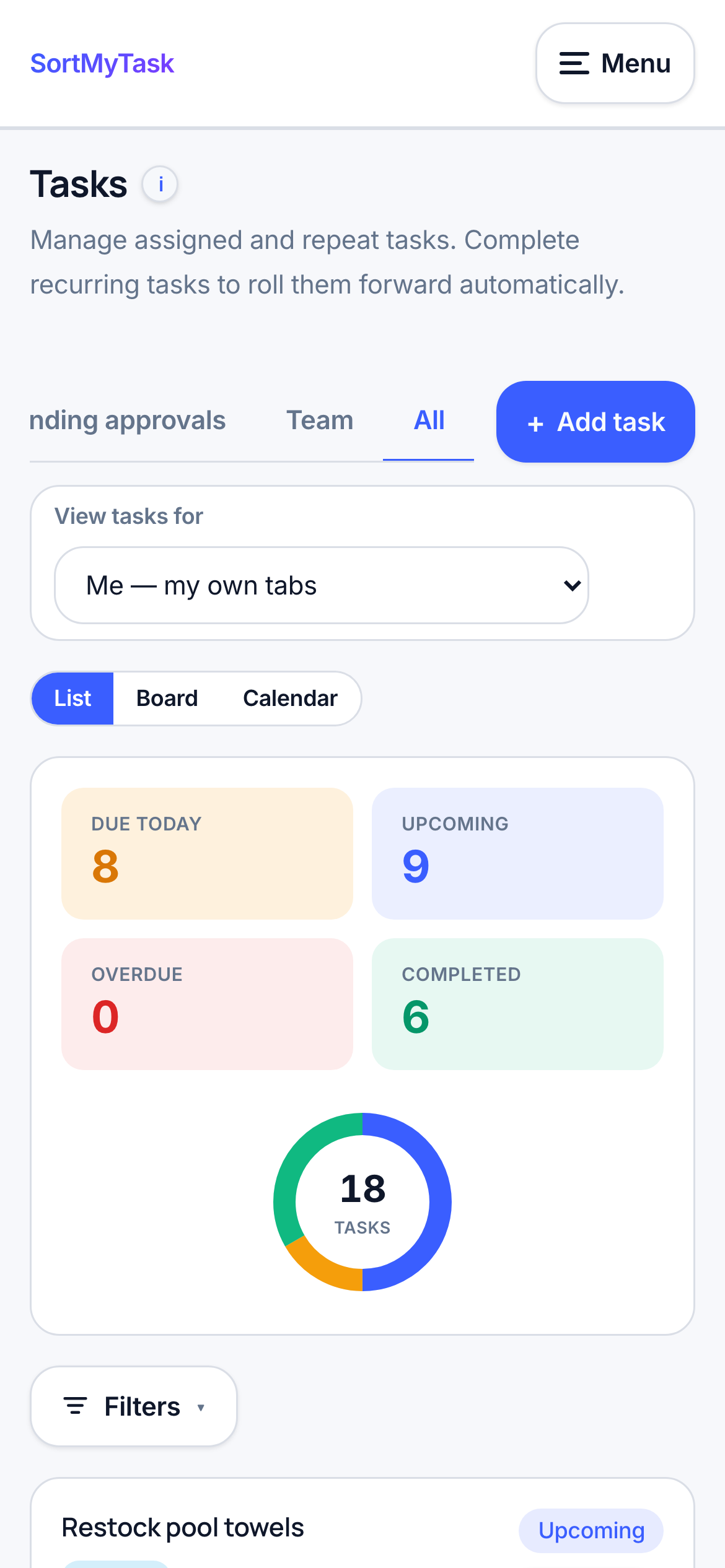
Approve the overnight.
Open Tasks · Pending approval. Nine cards waiting: checklists complete, photos attached. ↵ approves the highlighted card and the cursor advances to the next.
Set the roster.
Open Duty chart. Mark who's in across four properties, grouped by department. One change in Delhi (PR on leave): untick, tick her cover. Save. Present staff now jump to the top when you assign or generate today's tasks.
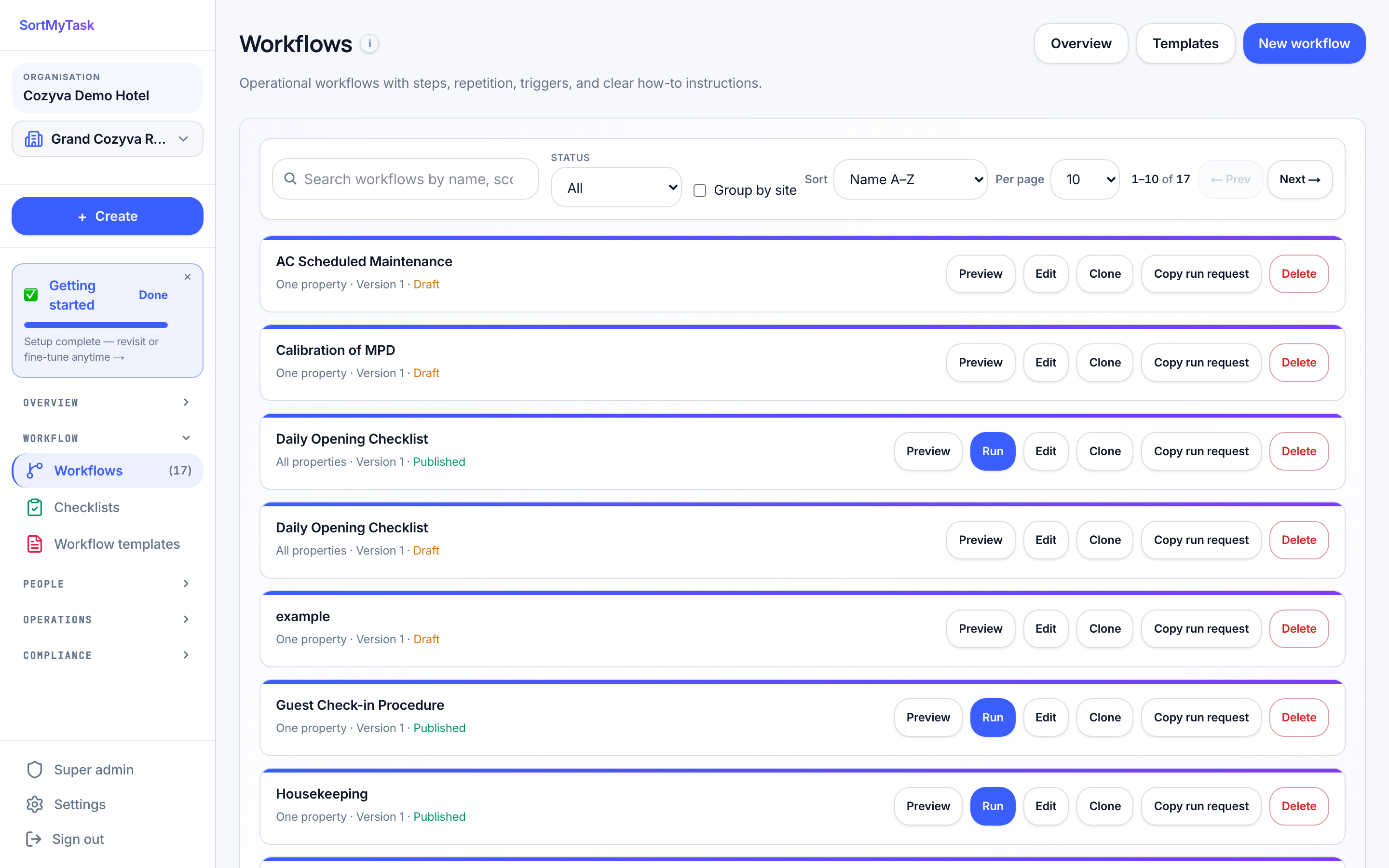
Audit the run.
A welcome-turndown task didn't spawn for one arrival. Open Workflows · Turndown v3 · visual. The conditional edge "after 18:00" was correct; the arrival logged at 17:54. Edit the condition, publish v3 → v4. Audit log captures the change.
Send back with notes.
Fire-safety walkthrough came back complete, but the supervisor spots three short items. Reject with a note. The task goes back with your note attached. The person gets the same task back, the same checklist, the original three items still showing as gaps. The record captures both round-trips.
Weekly scores lock.
Every night, the system adds up the week on its own. Once Sunday ends, the number is frozen. Monday morning the team opens the dashboard and sees it. You did nothing; that's the point.